Create a Flash Sale for Your Online Store
Run a short, high-urgency sale with time-limited discounts, capped usage and automatic price reversion. Promote on WhatsApp and Instagram, and turn a few hours into a spike of orders.

- No coding needed
- UPI, card & COD
- GST invoices
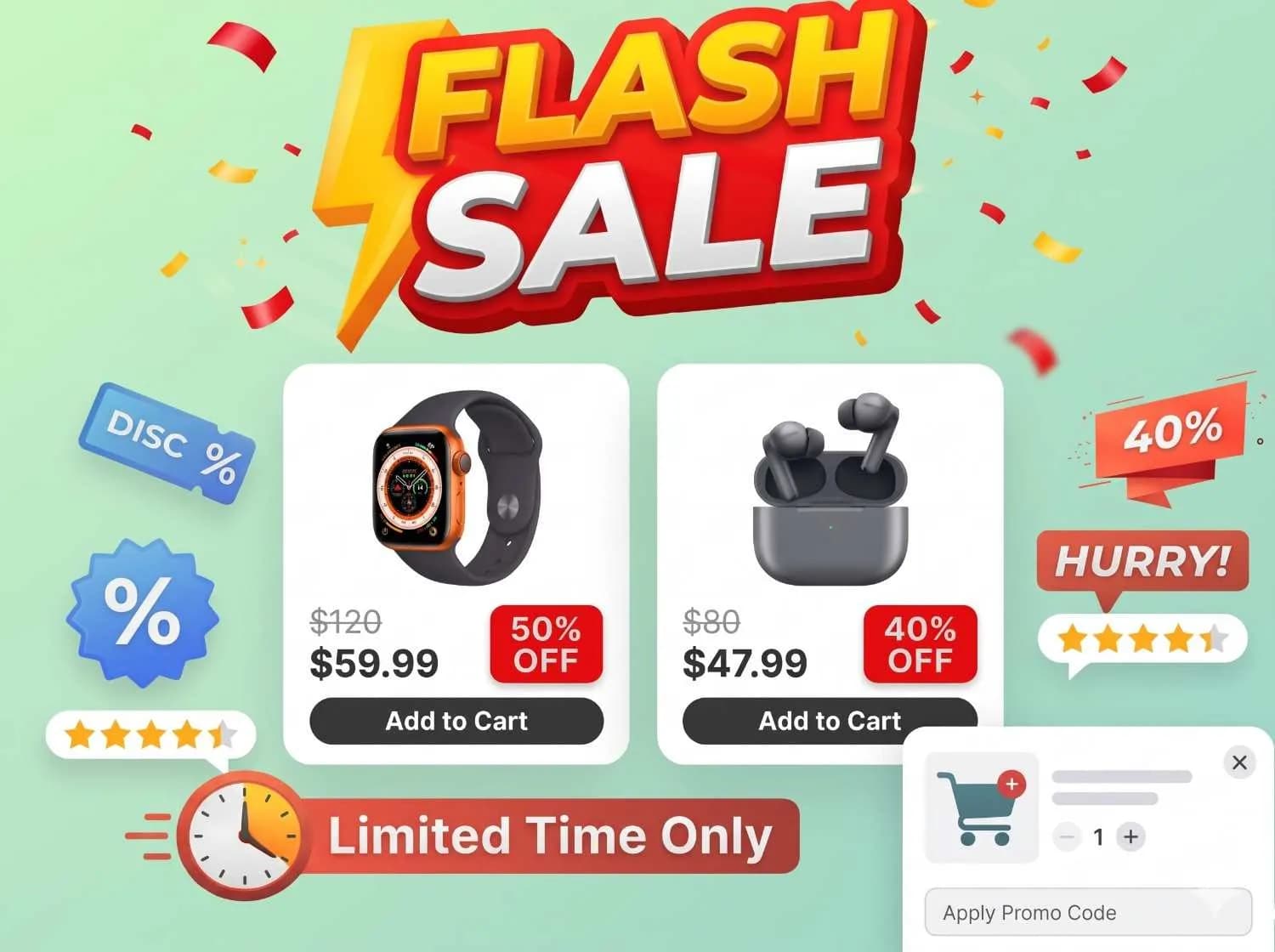
Why Flash Sale Owners Need an Online Store
A flash sale compresses buying decisions into a short window — typically a few hours — where customers know the price will go back up when the timer ends. LALA MyStore gives you the tools to set up a flash sale with a start and end time, usage limits and the product selection you choose.
The key to a flash sale is restraint: discount a focused set of products rather than your entire catalogue, keep the window short enough that customers act, and enforce the deadline so the urgency is real.
Set up the sale as a discount with a narrow validity window. If you want it to apply automatically, configure it as an automatic discount; if you want to share it only with your WhatsApp list, use a coupon code.
Promote the sale before and during the window. Tease it a day ahead, send a launch message, and follow up with a last-chance reminder in the final hours — the second touchpoint often converts the hesitant buyers.
Review the results after each sale. A flash sale that brings in new customers who return at full price is worth more than one that only moves discounted stock at a loss.
The problem
Continuous discounts train customers to wait for sales and never buy at full price.
The fix
Run flash sales as short, infrequent events instead of always-on discounts, so the deadline is real and the regular price stays credible.
The problem
A sitewide discount cuts margin across your bestsellers.
The fix
Focus the flash sale on overstock, seasonal clearance or a hero product, and keep your core bestsellers at their normal price.
The problem
Customers see the sale but don't act before it ends.
The fix
Send a last-chance reminder in the final hours with a direct link, and enforce the deadline so the next flash sale feels real.
Features for Flash Sale Owners
Time-limited discounts
Set a start and end date and time so the sale reverts automatically when the window closes.
Learn more about time-limited discountsFlat or percentage
Choose a flat amount or percentage discount for the flash sale.
Usage caps
Set a maximum usage limit to cap the number of orders or units sold.
Product-level targeting
Apply the flash sale to specific categories or products rather than your entire catalogue.
WhatsApp launch link
Share a direct link to the sale with your customer list at launch and for last-chance reminders.
Learn more about whatsapp launch linkPost-sale reports
Review which products sold, order value and new customer acquisition after the window.
Learn more about post-sale reportsManage Flash Sale Products and Categories
Create a discount from your dashboard and set it as a flash sale by defining a narrow start and end time. Choose flat or percentage discount, apply it to specific products or categories, and set a maximum usage limit if you want to cap the number of orders. Enable the discount so it goes live at the scheduled time and reverts automatically when the window ends [citation:16].
- Bulk upload from Excel
- Categories and sub-categories
- Stock tracking per product
- MRP and offer price
- Product specifications
- HSN code and GST rate
- Units like kg, litre, piece or metre
- Active, draft and archived status
What to include in a flash sale
- Overstocked items
- Seasonal clearance
- Hero product at deep discount
- Flash-exclusive bundles
- Slow-moving categories
- Previous season stock
- High-margin products (20-30% discount)
- New product launch offer
- Festival-specific items
- Limited-quantity deals
- Tiered discounts
- Early-access for loyal customers
Reach More Customers Online
A flash sale gives your customers a reason to act now rather than later. Share the sale on WhatsApp and Instagram with a direct link, and use a last-chance reminder in the final hours to capture hesitant buyers who saw the first message but did not convert [citation:1].
- Tease the flash sale on Instagram stories a day before with a countdown sticker
- Send a WhatsApp launch message with a direct link and the end time
- Send a final-hours reminder to customers who opened the launch message but did not order
Your own store link
Every store gets its own web address to share anywhere.
Store QR code
Customers scan at your counter, on bills or on posters to open your store.
WhatsApp & social media
Share products and offers on WhatsApp, Instagram and Facebook.
Google search & custom domain
Set your store's SEO details and use your own domain name.
How to Create Your Flash Sale with LALA MyStore
Step 1
Sign up and name your store
Create your free LALA MyStore account and add your flash sale's name, logo, address and contact details.
Step 2
Choose a store template
Pick a design that suits your flash sale and add your banner and cover photos.
Step 3
Add your products
Upload your flash sale products from Excel or add them one by one, with prices, stock, photos and categories.
Step 4
Set up payments and delivery
Turn on UPI, card and cash on delivery, add your GST details and decide where you deliver.
Step 5
Share and start selling
Share your store link and QR code on WhatsApp, Instagram and at your counter, and manage orders from your dashboard.
Everything You Need to Know About Selling Online
Create a flash sale for your online store with LALA MyStore and compress buying decisions into a short, high-urgency window. A flash sale is a time-limited promotion — typically a few hours to a few days — where products are offered at a meaningful discount to drive a spike in orders and clear specific stock. Tracked analyses put flash-sale conversion rates at roughly 3.5 times the rate of always-on discount programs at the same discount depth, and flash-sale emails have been measured converting near 18% versus under 4% for standard promotional sends [citation:6]. Instead of discounting continuously and training customers to wait, a flash sale creates a genuine event that rewards fast action and brings lapsed buyers back to your store.
A successful flash sale is not just a discount percentage — it is a coordinated event across product selection, timing and promotion. Choose a small set of products rather than discounting everything: overstocked items you need to clear, a hero product at a deep discount to draw traffic, or a flash-exclusive bundle that does not exist normally [citation:9]. Keep the window short — four to six hours creates stronger urgency than a multi-day sale that customers can procrastinate on [citation:2]. Build anticipation before launch by teasing the sale on WhatsApp and Instagram a day or two in advance, and give your most loyal customers early access [citation:1]. Real scarcity matters: if the timer hits zero, the price must go back up, or you train customers to ignore your future deadlines [citation:2].
Setting up a flash sale in LALA MyStore follows the same discount tools you already use for coupons and offers. Create a new discount from your dashboard, choose whether it is a product-based or order-based rule, and set the amount as a flat discount or percentage [citation:16]. Define the conditions that make it a flash sale: a start date and end date with a narrow window, a maximum usage limit if you are capping the number of orders, and the product categories or specific items it applies to [citation:16]. If you want the sale to apply automatically without a code, configure it as an automatic discount; if you want to share a link only with your WhatsApp list, use a coupon code [citation:17]. Once saved, the offer goes live at the time you set and reverts automatically when the window closes.
Promote the flash sale across every channel where your customers already are. Send a WhatsApp message at launch with a direct link to the sale, and follow up with a last-chance reminder in the final hours — the second touchpoint often drives a meaningful share of conversions from people who saw the first message but hesitated [citation:1]. Share the sale on Instagram stories and posts, and put a banner on your store homepage so visitors who arrive without knowing about the sale see it immediately. For Indian stores, timing matters: Diwali flash sales can account for a substantial share of annual sales, and Republic Day, Holi and Independence Day are also established sale moments [citation:15][citation:9]. Avoid running flash sales too frequently — four to eight per year is a reasonable ceiling before customers learn to wait for discounts [citation:9].
For store owners competing with large marketplaces, a well-run flash sale on your own store gives you a conversion lever that does not depend on paying commission on every discounted order. But protect your margins: a discount that converts three times better still loses money if the margin per order falls faster than volume rises [citation:6]. Keep flash sales focused on products where a discount makes strategic sense — overstock, seasonal clearance or a hero product — rather than sitewide cuts that erode profit across your bestsellers. Review your sales reports after each flash sale to see which products moved, what the average order value was during the window, and whether new customers came back afterward. A flash sale that brings in first-time buyers who return at full price is worth far more than one that only sells discounted stock.
Frequently Asked Questions
How do I create a flash sale with LALA MyStore?
Create a new discount from your dashboard, choose flat or percentage discount, set the products or categories it applies to, and define a narrow start and end date and time. Save it and the sale goes live at the scheduled time and reverts automatically when the window closes [citation:16].
How long should a flash sale last?
Short windows create stronger urgency. A four-to-six-hour sale is often more effective than a multi-day sale because customers cannot procrastinate [citation:2]. Test different durations and see what works for your customers.
Should I discount my entire store or just selected products?
Focus on selected products — overstock, seasonal clearance or a hero product. Discounting everything cuts margin across your bestsellers and trains customers to wait for sales [citation:9].
Can I limit how many orders are placed during the flash sale?
Yes. You can set a maximum usage limit on the discount so the sale stops applying after a set number of orders or units [citation:16].
How do I promote my flash sale?
Tease it a day ahead on Instagram and WhatsApp, send a launch message with a direct link when it goes live, and send a last-chance reminder in the final hours [citation:1].
What happens when the flash sale ends?
The discount reverts automatically at the end time you set, and the products return to their normal price. Enforcing the deadline builds trust for future sales [citation:2].
Can I share the flash sale only with my WhatsApp list?
Yes. You can use a coupon code and share the code only with your WhatsApp customers, so the sale is not visible to everyone who visits your store [citation:17].
How often should I run a flash sale?
Limit flash sales to four to eight per year. More frequent sales reduce the urgency of each event and train customers to wait for discounts [citation:9].
What should I measure after a flash sale?
Review which products sold, the average order value during the window, and whether new customers came back afterward. A sale that acquires repeat buyers is more valuable than one that only moves discounted stock [citation:6].
Can I run a flash sale on specific categories only?
Yes. You can apply the discount to specific product categories or products rather than your entire catalogue, so you control which margins are affected [citation:16].
Ready to take your flash sale online?
Build your branded online store, accept payments and send GST invoices — all from one dashboard.