Create Discounts and Offers for Your Online Store
Set up flat discounts, percentage offers, free delivery promotions and coupon codes that apply automatically at checkout — with full control over conditions, limits and validity.

- No coding needed
- UPI, card & COD
- GST invoices
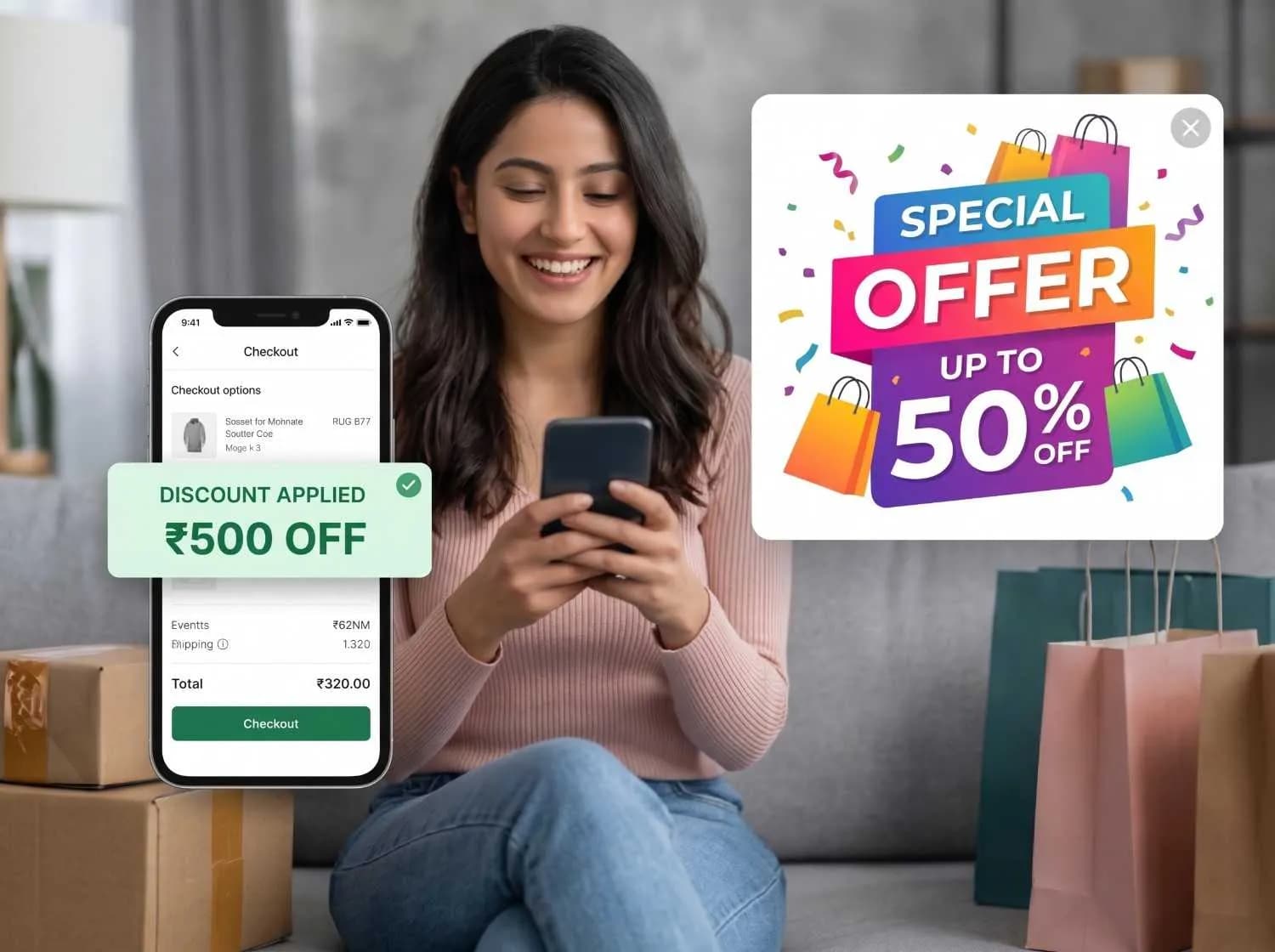
Why Discounts & Offers Owners Need an Online Store
Discounts and offers are one of the simplest ways to attract customers, increase order value and clear seasonal stock. LALA MyStore gives you the tools to create coupon codes and automatic discounts without any coding.
You control the rules: which products the offer applies to, the minimum order value, the maximum discount, how many times it can be used, and when it starts and ends. The platform applies the discount at checkout so you don't have to adjust prices manually.
Use percentage discounts to encourage larger baskets, flat discounts for high-value items, and free delivery to remove the most common reason customers abandon their cart.
Run offers around festivals, school seasons and weekly essentials to match how your customers actually shop. Review sales reports to see which offers work and which don't.
Whether you run a small shop or a growing online store, well-planned offers help you compete on value without sacrificing your margin or your brand.
The problem
Manually adjusting prices for every sale is time-consuming and error-prone.
The fix
Set up automatic discounts or coupon codes once, and the platform applies them consistently at checkout.
The problem
Discounts cut into margin without actually changing buying behaviour.
The fix
Use conditions like minimum order value, category limits and usage caps to target offers where they drive incremental sales.
The problem
Large marketplaces can out-discount you on every product.
The fix
Run targeted offers on your own store — first-order discounts, loyalty rewards and category-specific promotions — without paying marketplace commission on discounted sales.
Features for Discounts & Offers Owners
Coupon codes
Create unique codes like FESTIVE10 or WELCOME50 that customers apply at checkout [citation:3].
Automatic discounts
Set offers that apply without a code based on conditions you define [citation:2].
Flat, percentage & free delivery
Choose the discount type that fits your promotion and set the amount [citation:3].
Usage limits & validity
Control maximum discount, total usage, per-customer limits and start/end dates [citation:3].
Customer group conditions
Target offers to specific customer groups or product categories [citation:3].
Offer performance reports
See which discounts drive sales and which simply reduce margin.
Learn more about offer performance reportsManage Discounts & Offers Products and Categories
Create a coupon code or automatic discount from your dashboard, choose the type (flat, percentage or free delivery), and set the amount. Define conditions like product categories, minimum order value, maximum discount cap, usage limits and validity dates. Assign priority levels if multiple offers could apply, then save and the offer goes live at checkout [citation:3].
- Bulk upload from Excel
- Categories and sub-categories
- Stock tracking per product
- MRP and offer price
- Product specifications
- HSN code and GST rate
- Units like kg, litre, piece or metre
- Active, draft and archived status
Types of offers you can create
- First-order discount
- Festival sale offer
- Percentage off category
- Flat discount on high-value items
- Free delivery promotion
- Minimum order value discount
- Bundle and combo offers
- Loyalty reward for repeat customers
- Clearance sale on seasonal stock
- Welcome coupon for new customers
- Bulk order discount
- Limited-time flash offer
Reach More Customers Online
Well-timed offers give customers a reason to buy now rather than later. Share your offers on WhatsApp, Instagram and your store link so customers see the value before they browse, and use your sales reports to see which offers actually increase order value.
- Share a festival coupon code with your WhatsApp customer groups
- Promote a first-order discount on Instagram with a direct link to your store
- Use free delivery offers to reduce cart abandonment on lower-value orders
Your own store link
Every store gets its own web address to share anywhere.
Store QR code
Customers scan at your counter, on bills or on posters to open your store.
WhatsApp & social media
Share products and offers on WhatsApp, Instagram and Facebook.
Google search & custom domain
Set your store's SEO details and use your own domain name.
How to Create Your Discounts & Offers with LALA MyStore
Step 1
Sign up and name your store
Create your free LALA MyStore account and add your discounts & offers's name, logo, address and contact details.
Step 2
Choose a store template
Pick a design that suits your discounts & offers and add your banner and cover photos.
Step 3
Add your products
Upload your discounts & offers products from Excel or add them one by one, with prices, stock, photos and categories.
Step 4
Set up payments and delivery
Turn on UPI, card and cash on delivery, add your GST details and decide where you deliver.
Step 5
Share and start selling
Share your store link and QR code on WhatsApp, Instagram and at your counter, and manage orders from your dashboard.
Everything You Need to Know About Selling Online
Create discounts and offers for your online store with LALA MyStore and turn occasional visitors into repeat buyers. This ecommerce discount and coupon builder lets you set up flat discounts, percentage offers, free delivery promotions and festival combos that apply automatically at checkout or through a coupon code — no coding or developer support required. Whether you run a grocery shop, a garment store or a D2C brand, well-planned offers help you clear seasonal stock, increase basket size and reward loyal customers. Instead of manually adjusting prices for every sale, you set the rules once and let the platform apply them consistently across your catalogue.
A well-structured discount strategy does more than cut prices — it shapes how customers shop. Percentage discounts encourage larger baskets when paired with minimum order values, flat discounts work well for high-value items, and free delivery offers remove the most common reason for cart abandonment. Use category-specific offers to move slow stock without discounting your entire catalogue, and customer-group offers to reward repeat buyers or first-time customers differently. The platform lets you define conditions, maximum discount caps, usage limits and validity dates so every promotion runs within the boundaries you set [citation:3].
Setting up an offer is simple. From your dashboard, create a coupon code (such as FESTIVE10 or WELCOME50) or configure an automatic discount that applies without a code [citation:2]. Choose the discount type — flat amount, percentage, or free delivery — and set the amount. Then define the conditions: which products or categories it applies to, the minimum order value, the maximum discount cap, how many times the coupon can be used in total and per customer, and the start and end dates [citation:3]. You can also assign priority levels when multiple offers could apply, so the right discount takes precedence. Once saved, the offer is live and applies at checkout without manual intervention.
Use offers strategically throughout the year rather than discounting constantly. Festival and wedding season offers work well for gift shops, garment stores and jewellery shops, while school reopening bundles suit stationery and footwear shops, and weekly essential offers drive repeat orders for grocery and kirana stores. First-order discounts help convert new visitors, and loyalty offers for repeat customers build retention. Review your sales reports to see which offers actually increase order value and which simply reduce margin without changing buying behaviour — then adjust your next promotion accordingly.
For store owners competing with large marketplaces and quick-commerce apps, well-run discounts and offers are one of the few levers that let you compete on value without sacrificing your brand. Your own store lets you run targeted promotions that marketplaces cannot — rewarding your regular customers, clearing specific stock, and testing new offers without paying commission on every discounted sale. Start with a simple first-order offer and a festival promotion, measure the results, and expand from there. As your customer base grows, the same discount tools let you run more sophisticated campaigns across categories, customer groups and sales channels.
Frequently Asked Questions
How do I create a coupon code for my online store?
From your dashboard, create a coupon with a unique code, choose the discount type (flat, percentage or free delivery), set the amount and conditions, then save. The code is live and customers can apply it at checkout [citation:3].
Can I set up automatic discounts without a coupon code?
Yes. You can configure automatic discounts that apply based on conditions you define, so customers do not need to enter a code [citation:2].
What discount types are available?
You can create flat amount discounts (e.g., ₹50 off), percentage discounts (e.g., 10% off) and free delivery offers [citation:3].
Can I limit how many times a coupon is used?
Yes. You can set a maximum usage limit for all customers combined and a maximum usage limit per individual customer [citation:3].
Can I set a maximum discount cap?
Yes. You can set a maximum discount amount so that even if the percentage discount would exceed it, the discount is capped at your limit [citation:3].
Can I schedule when an offer starts and ends?
Yes. You can set a start date and time and an end date and time for each coupon or automatic discount [citation:3].
Can I target offers to specific products or categories?
Yes. You can define conditions so an offer applies only to specific product categories, customer groups or stores [citation:3].
What happens if multiple coupons could apply to an order?
You can assign priority levels and levels to coupons. Higher priority coupons are applied before lower priority ones when multiple offers could apply [citation:3].
Can I offer free delivery as a promotion?
Yes. Free delivery is one of the discount types you can create, and it applies to eligible orders based on the conditions you set [citation:3].
How do I know which offers are working?
Review your sales reports to see which offers increase order value and which simply reduce margin without changing buying behaviour. Adjust your next promotion based on what the data shows.
Ready to take your discounts & offers online?
Build your branded online store, accept payments and send GST invoices — all from one dashboard.