Create Your Own Online Mobile Shop with LALA MyStore
List smartphones by brand, RAM and storage, plus covers, chargers, earphones and screen guards. Share launch offers on WhatsApp and turn enquiries into orders.

- No coding needed
- UPI, card & COD
- GST invoices
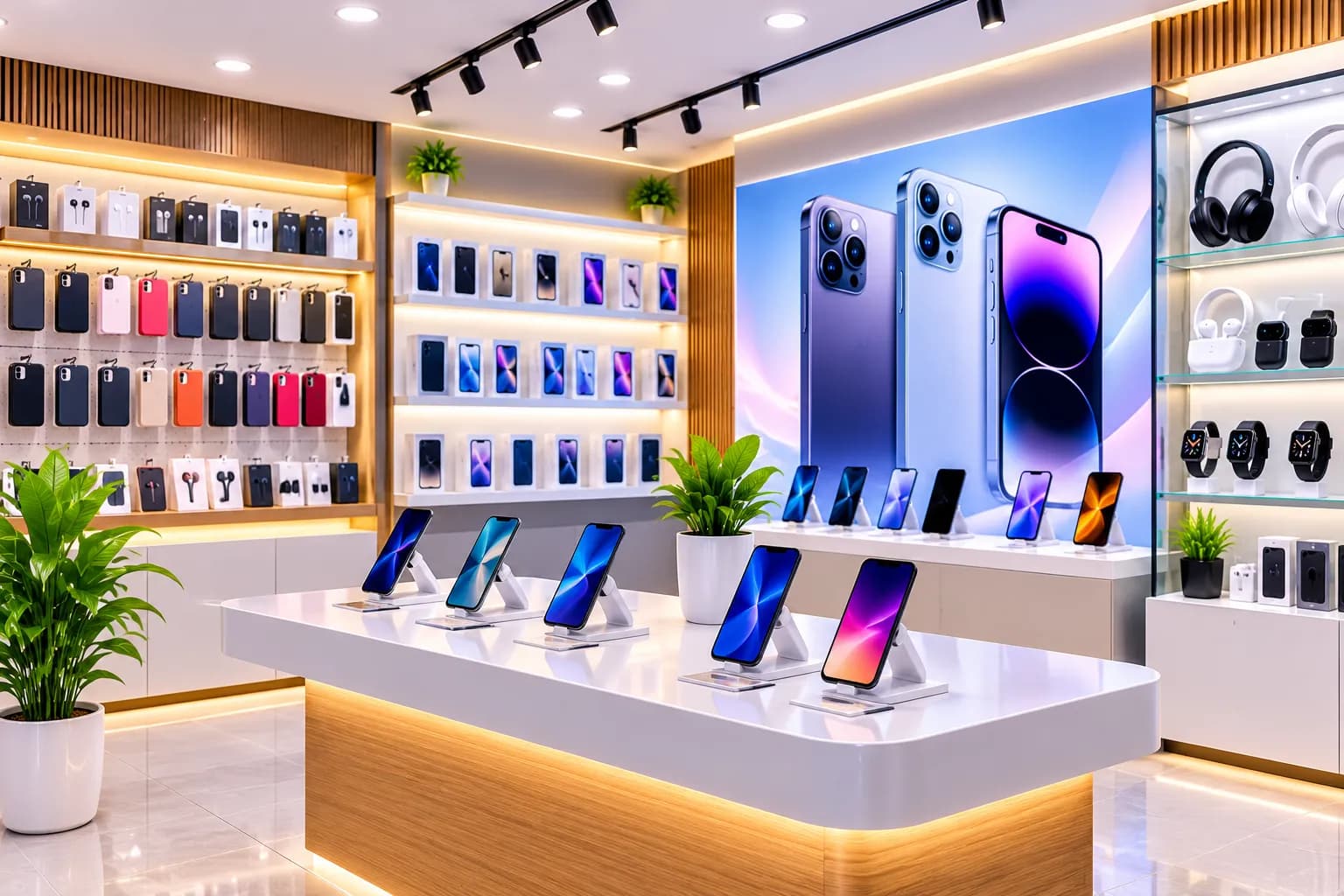
Why Mobile Shop Owners Need an Online Store
Mobile shops sell a wide range of smartphones, feature phones and accessories. LALA MyStore helps you showcase your products online with clear photos, prices, brand names, model numbers and technical specifications.
Create an online mobile shop where customers can browse the latest phone models, compare storage variants and check prices before visiting your store. Whether you sell budget smartphones, premium devices or refurbished phones, your online catalogue helps customers discover your available products.
Organise smartphones by brand, model, RAM, storage capacity and price range. Include details such as display size, camera specifications, battery capacity, processor and warranty information to help customers choose the right device.
Keep your catalogue updated when new models launch, prices change or stock becomes available. List mobile accessories separately so customers can easily find compatible covers, chargers, cables, earbuds and screen protectors.
Share your mobile shop link through WhatsApp, Instagram and Facebook to promote new launches, special offers and accessories. Manage your products and orders through LALA MyStore while offering convenient payment options and GST invoicing where configured.
The problem
New models launch often and price enquiries never stop.
The fix
Update models, variants and prices online so customers see the latest stock without calling.
The problem
Accessory sales get missed.
The fix
List covers, chargers, cables and earbuds so customers add them to their order.
The problem
Online-only sellers undercut your prices.
The fix
Highlight what you offer that they can't — same-day pickup, setup help and local after-sales support.
Features for Mobile Shop Owners
Model-wise listing
List each model and storage variant with its own price, stock and specs.
Accessory categories
Organise covers, chargers, cables, audio and screen protection by phone brand.
WhatsApp launch offers
Share new launches and offers with your customer groups.
Learn more about whatsapp launch offersQR code ordering
Customers scan your shop QR to browse accessories on their phone.
Learn more about qr code orderingManage Mobile Products and Categories
List each phone model and storage variant as its own product with its price and stock, and add specifications like display, camera, battery and processor. Keep accessories in their own categories — cases, chargers, cables, audio, power banks — so customers can add them to their order. When a model is discontinued, archive it instead of deleting it.
- Bulk upload from Excel
- Categories and sub-categories
- Stock tracking per product
- MRP and offer price
- Product specifications
- HSN code and GST rate
- Units like kg, litre, piece or metre
- Active, draft and archived status
What mobile shops sell on LALA MyStore
- Smartphones
- Feature phones
- Refurbished & second-hand phones
- Back covers & cases
- Chargers & adapters
- USB cables & connectors
- Earphones & earbuds
- Bluetooth speakers
- Power banks
- Screen guards & protectors
- Smartwatches & fitness bands
- Memory cards & pen drives
- Mobile holders & stands
- Tripods & selfie sticks
- Phone repair tools & accessories
Reach More Customers Online
Mobile buyers compare prices online before they walk in. If your shop is online with current models and prices, you are part of that comparison — and your local service wins the sale.
- Announce new launches on WhatsApp and Instagram with a direct product link
- Display your QR code so customers can browse accessories while they wait
- Bring past customers back for upgrades and accessories
Your own store link
Every store gets its own web address to share anywhere.
Store QR code
Customers scan at your counter, on bills or on posters to open your store.
WhatsApp & social media
Share products and offers on WhatsApp, Instagram and Facebook.
Google search & custom domain
Set your store's SEO details and use your own domain name.
How to Create Your Mobile Shop with LALA MyStore
Step 1
Sign up and name your store
Create your free LALA MyStore account and add your mobile shop's name, logo, address and contact details.
Step 2
Choose a store template
Pick a design that suits your mobile shop and add your banner and cover photos.
Step 3
Add your products
Upload your mobile products from Excel or add them one by one, with prices, stock, photos and categories.
Step 4
Set up payments and delivery
Turn on UPI, card and cash on delivery, add your GST details and decide where you deliver.
Step 5
Share and start selling
Share your store link and QR code on WhatsApp, Instagram and at your counter, and manage orders from your dashboard.
Everything You Need to Know About Selling Online
Create an online mobile shop to list smartphones, feature phones and accessories by brand, model, RAM and storage. This mobile store website lets customers check current prices, variants and specifications before visiting your shop, and helps you sell mobile phones online in India. Clear listings reduce repeated price and availability questions and help buyers compare models side by side.
List each phone variant with its own price and stock, and organise covers, chargers, cables, earphones, power banks and screen guards in separate accessory categories. Add display, camera, battery and warranty details to help buyers choose, including refurbished and second-hand phones with clear condition notes. This makes it easier for customers to understand exactly what they are buying and what is included.
Announce new launches and offers on WhatsApp, Instagram and Facebook with a direct product link, and place a QR code at your counter so customers can browse accessories while they wait. Keep stock updated so popular models are never oversold, and use product codes to match online listings with the phones and accessories in your shop.
Accept UPI and card payments, offer store pickup or local delivery and provide GST invoices for warranty and business purchases. It is a simple way to sell mobile phones online and win the sale with same-day pickup and local after-sales support that online-only sellers cannot match.
Mobile shops deal with frequent model launches, price changes and accessory demand, so the online store is built to keep listings current. You can add new models as they arrive, archive discontinued ones, and promote accessories alongside phones to increase order value. Customer records and order history also help you bring buyers back for upgrades, accessories and repeat purchases, while offering the setup help and local support that customers value.
Frequently Asked Questions
Can I list phones with different RAM and storage options?
Yes. You can list each phone variant with its own price, stock and specifications so customers can identify the configuration they want.
Can I sell second-hand and refurbished mobile phones?
Yes. You can list used or refurbished phones and clearly describe their condition, battery health, included accessories and applicable warranty.
Can I sell mobile phones and accessories together?
Yes. You can list smartphones, feature phones, chargers, covers, screen guards, power banks and other mobile accessories in one store.
How can I promote newly launched mobile phones?
Add the new model to your online catalogue and share its product link through WhatsApp, Instagram and Facebook to reach potential customers.
Can customers order online and collect their phones from my shop?
You can coordinate store pickup or local delivery according to the fulfilment options your business supports.
Can I accept UPI and card payments?
Customers can pay using the payment methods enabled for your store. Available options depend on your payment gateway configuration.
Can I display phone specifications and warranty details?
Yes. Include model numbers, RAM, storage, display, camera, battery, connectivity and warranty details in your product descriptions.
Can I update prices when new mobile models arrive?
Yes. Update product prices, specifications and stock information whenever new models arrive or manufacturers revise prices.
Can I promote mobile accessories separately?
Yes. Create separate categories for covers, chargers, cables, earbuds and screen protectors, and share links to specific products or collections.
Can I generate GST invoices for mobile phone sales?
Yes. LALA Invoice supports GST invoicing. Configure the appropriate tax rates and HSN codes to generate invoices with the relevant tax details.
Solutions for other businesses
Online store for electronics stores
Create your own online electronics store with LALA MyStore. Showcase TVs, appliances and gadgets with specs and offers, accept payments and deliver locally.
Online store for electrical stores
Create your own online electrical store with LALA MyStore. List wires, switches, lights and fans, take orders from electricians and send GST invoices.
Online store for stationery shops
Create your own online stationery shop with LALA MyStore. List school supplies, books and office stationery, take school list orders and send GST bills.
Ready to take your mobile shop online?
Build your branded online store, accept payments and send GST invoices — all from one dashboard.