Create a Mobile-Friendly Online Shop with LALA MyStore
Let customers browse and order from their phones in a few taps. Accept UPI, cards and cash on delivery, and manage products, stock and GST billing from one dashboard.

- No coding needed
- UPI, card & COD
- GST invoices
Why Online Shop Creator with Mobile App Owners Need an Online Store
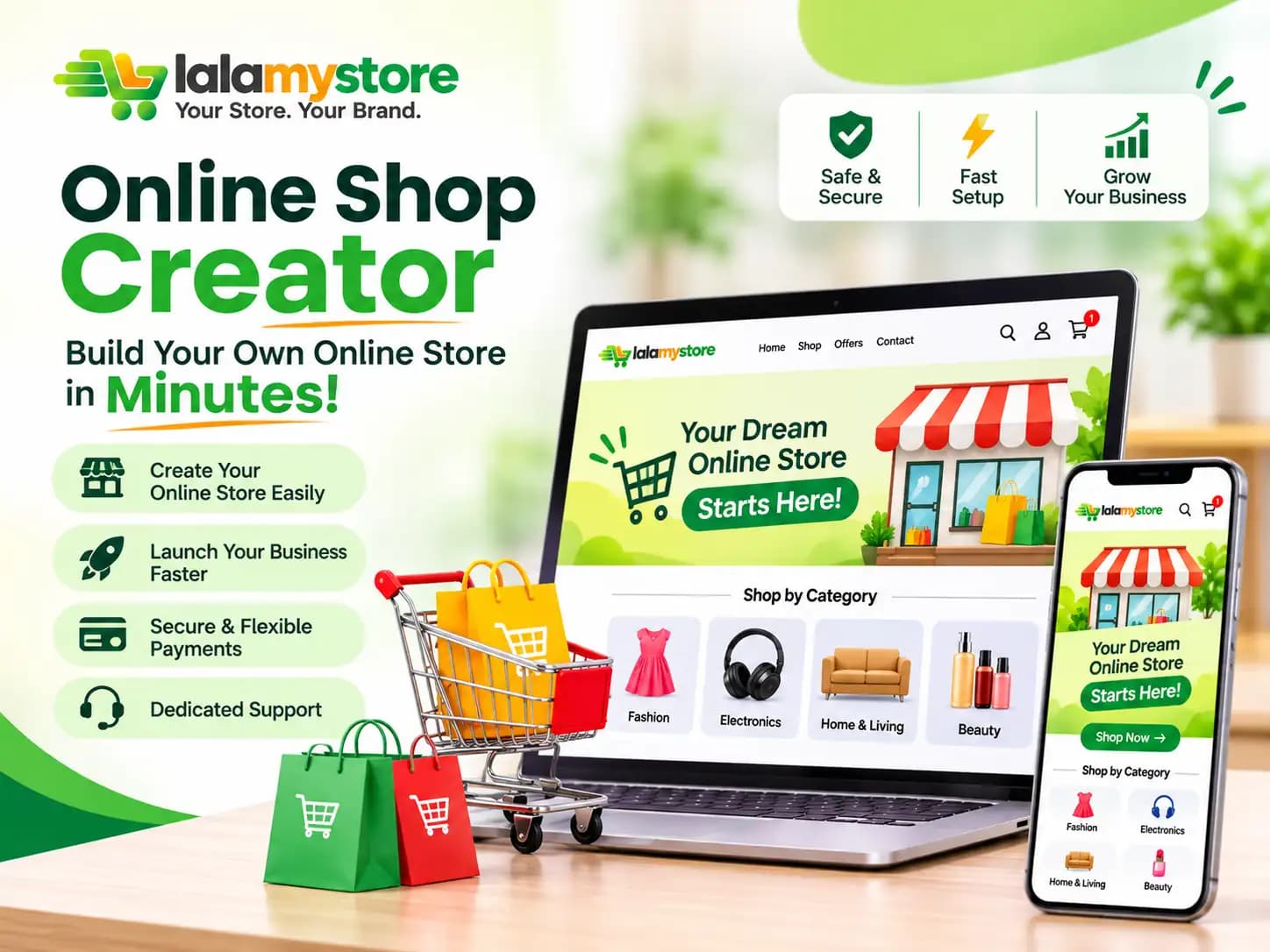
Most customers now browse and buy on their phones. LALA MyStore lets you create an online shop that opens smoothly on mobile, so customers can see your products, check prices and place orders in a few taps.
Add products with clear photos, descriptions, variants and prices. Organise them into categories and keep stock current so mobile customers see what is available.
Accept UPI, cards or cash on delivery, offer home delivery or store pickup, send order confirmations and dispatch updates, and generate GST invoices with LALA Invoice.
Share your store link through WhatsApp and social media, and print your QR code on bills and packaging so customers can scan and order instantly.
Connect your own domain and fill in your SEO settings so customers searching on their phones can find your shop on Google.
The problem
Customers expect to order from their phones without calling.
The fix
Give them a mobile-friendly shop where they can browse products and place orders themselves.
The problem
Sharing product details on chat apps takes time.
The fix
Share your store and product links so customers see photos, prices and availability instantly.
The problem
Walk-in customers forget to reorder.
The fix
Print your QR code on bills and packaging so they can scan and reorder from their phones.
Features for Online Shop Creator with Mobile App Owners
Mobile-friendly catalogue
Organise products into categories with clear photos, variants and prices.
Bulk product upload
Upload product lists and price lists from Excel and update rates in bulk.
Learn more about bulk product uploadOrder from any phone
Customers browse and order in a few taps, with confirmations and dispatch updates.
Stock tracking
Keep stock counts current so mobile customers only order what is available.
UPI, cards & cash
Accept the payment methods your customers prefer, including cash on delivery.
Learn more about upi, cards & cashGST invoicing
Automatic GST invoices for every order with LALA Invoice.
Learn more about gst invoicingManage Online Shop Creator Products and Categories
Running a mobile-friendly shop is about keeping information accurate. Upload your product list, set photos, prices and variants, group items into categories and keep stock current. Confirm orders, arrange delivery or pickup and generate GST invoices from the same dashboard.
- Bulk upload from Excel
- Categories and sub-categories
- Stock tracking per product
- MRP and offer price
- Product specifications
- HSN code and GST rate
- Units like kg, litre, piece or metre
- Active, draft and archived status
What sellers sell on their mobile-friendly LALA MyStore
- Fashion & accessories
- Groceries & daily needs
- Mobile & electronics
- Home & kitchen items
- Beauty & personal care
- Gifts & hampers
- Food & snacks
- Bakery & cakes
- Flowers & plants
- Stationery & books
- Kids' products
- Jewellery
- Footwear & bags
- Handmade items
- Bulk & wholesale packs
Reach More Customers Online
People find shops through phone searches, WhatsApp forwards and QR codes. A mobile-friendly store lets every one of those moments turn into an order.
- Share product links on WhatsApp so customers can order in a few taps
- Print your order QR code on bills, packaging and the counter
- Fill in your SEO settings so people searching on their phones find your shop
Your own store link
Every store gets its own web address to share anywhere.
Store QR code
Customers scan at your counter, on bills or on posters to open your store.
WhatsApp & social media
Share products and offers on WhatsApp, Instagram and Facebook.
Google search & custom domain
Set your store's SEO details and use your own domain name.
How to Create Your Online Shop Creator with Mobile App with LALA MyStore
Step 1
Sign up and name your store
Create your free LALA MyStore account and add your online shop creator with mobile app's name, logo, address and contact details.
Step 2
Choose a store template
Pick a design that suits your online shop creator with mobile app and add your banner and cover photos.
Step 3
Add your products
Upload your online shop creator products from Excel or add them one by one, with prices, stock, photos and categories.
Step 4
Set up payments and delivery
Turn on UPI, card and cash on delivery, add your GST details and decide where you deliver.
Step 5
Share and start selling
Share your store link and QR code on WhatsApp, Instagram and at your counter, and manage orders from your dashboard.
Everything You Need to Know About Selling Online
An online shop creator with mobile app support matters because most customers browse and buy on their phones, and many sellers run their business on the move. LALA MyStore lets you create an online shop that customers can open and order from on any phone, with products, stock and orders managed from one simple dashboard. No developer, no coding and no separate inventory software required.
Make your shop comfortable on small screens. Add products with clear photos, descriptions, variants and prices, arrange them into categories and keep stock current. Customers can browse, choose and order in a few taps, without needing to call or message you first.
Checkout should be quick on mobile. Accept UPI, cards or cash on delivery, offer home delivery or store pickup, and send order confirmations and dispatch updates so customers know where their order is. Generate GST invoices for every order with LALA Invoice.
Phones are also how stores get shared. Send your store link through WhatsApp, Instagram and Facebook, print your order QR code on bills and packaging so customers can scan and order, and connect your own domain so your shop has an address people remember.
Fill in your store SEO settings so people searching on their phones can find your shop on Google, and review sales analytics to see which products sell best. As your business grows, add new categories and offers without rebuilding your shop.
Frequently Asked Questions
Can customers order from my shop on their phones?
Yes. Customers can open your shop on their phones, browse products and place orders conveniently.
Do I need a developer to create the shop?
No. You can set up your shop, add products and start taking orders without coding.
Can I upload my products in bulk?
Yes. You can upload your product list from a spreadsheet with prices and details.
Which payment methods can customers use?
Customers can use the online payment methods enabled for your store, including UPI, cards or cash on delivery where available.
Can I generate GST invoices?
Yes. LALA Invoice supports GST invoicing. Configure the appropriate tax rates and HSN codes to generate invoices with the relevant tax details.
Can I share my shop on WhatsApp?
Yes. You can share your store link and product links through WhatsApp, Instagram and Facebook.
Can I use a QR code for my shop?
Yes. Print your order QR code on bills, packaging and at the counter so customers can scan and order.
Can I use my own domain?
Yes. You can connect a custom domain so customers can visit your shop using your own web address.
Can I track stock?
Yes. You can keep stock counts current so customers only order what you can supply.
How do I get more mobile customers?
Share your link on WhatsApp and social media, use QR codes, and fill in your SEO settings so people searching on their phones can find your shop.
Solutions for other businesses
Online store for Online Shop Platforms
Open your online shop with LALA MyStore, a simple online shop platform. Add products, take UPI and COD orders, send GST invoices and manage your shop from one dashboard.
Online store for Online Store Platforms
Looking for the best online store platform? Create your online store with LALA MyStore. Add products, accept UPI and COD, send GST invoices and manage orders from one dashboard.
Online store for Retail Business Apps
Find the right apps for retail business in India. Create your online store with LALA MyStore, track stock, accept UPI and COD and send GST invoices with LALA Invoice.
Ready to take your online shop creator with mobile app online?
Build your branded online store, accept payments and send GST invoices — all from one dashboard.