Create Your Online Spare Parts Store with LALA MyStore
Bike and car spares, filters, brake pads, batteries, lubricants and accessories — list parts by vehicle model and part number so mechanics and riders order the right part.

- No coding needed
- UPI, card & COD
- GST invoices
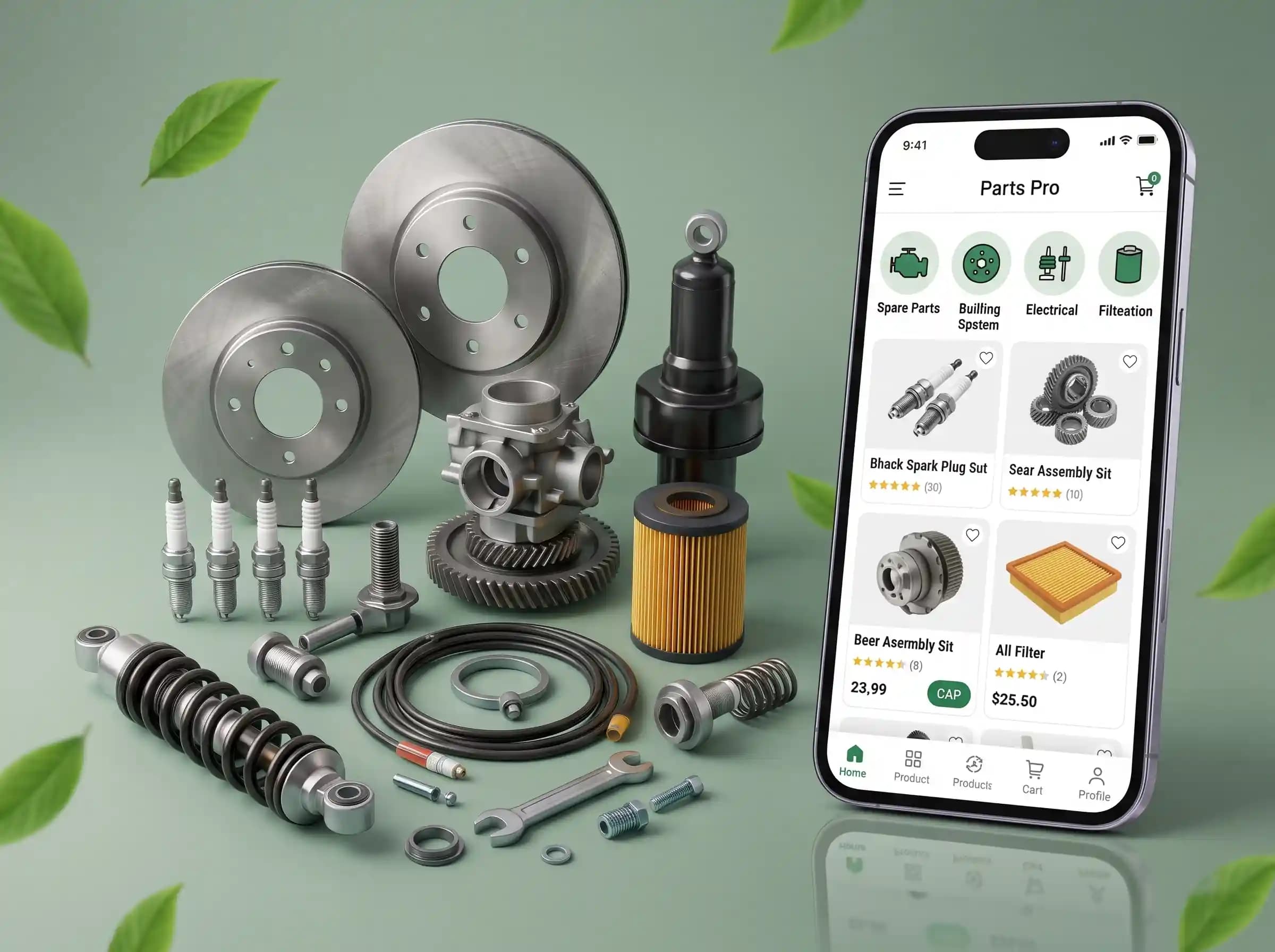
Why Spare Parts Online Store Owners Need an Online Store
Finding the correct spare part depends on the vehicle's make, model, year and variant. LALA MyStore helps you create an online spare parts store with product photos, prices, part numbers and compatibility details so customers can identify the parts they need.
From two-wheeler spares and car components to filters, brake pads, clutch plates, batteries and lubricants, organise your catalogue into categories that customers can browse easily. Include part numbers and compatible vehicle models wherever available.
Garages and mechanics frequently need replacement parts to complete repairs on time. With your online store, they can browse your catalogue, check prices and place orders without relying entirely on phone calls.
Create organised product listings, use consistent part codes and group products by vehicle type and system. Use bulk product import to simplify catalogue management.
LALA MyStore helps you create your online spare parts store, manage your inventory and receive orders through your storefront. Whether you supply local garages, independent mechanics or individual vehicle owners, your online store helps you reach more buyers.
The problem
Mechanics call to check whether a part is in stock.
The fix
Show stock for every part online so they can check and order without calling.
The problem
Wrong parts get ordered because the vehicle model wasn't clear.
The fix
Add part numbers and compatible models in each product's specifications.
The problem
Thousands of part numbers are hard to list.
The fix
Upload your full parts list from Excel with part numbers, prices and stock.
Features for Spare Parts Online Store Owners
Bulk upload parts
Upload thousands of parts with part numbers and prices from Excel.
Learn more about bulk upload partsPart number & fitment
Add OEM part number, brand and compatible vehicles to each part.
Categories by vehicle
Two-wheeler, car and commercial vehicle parts by system.
GST invoices for garages
Invoices with HSN codes and GST for workshop customers.
Learn more about gst invoices for garagesLocal delivery & shipping
Deliver urgent parts to garages nearby or ship across India.
Learn more about local delivery & shippingManage Spare Parts Products and Categories
Organise parts by vehicle type and by system. Put the OEM or brand part number in the product code, and add compatible makes, models and years in the specifications. Use HSN codes and GST rates for correct invoices, upload large catalogues from a spreadsheet, and keep stock counts current.
- Bulk upload from Excel
- Categories and sub-categories
- Stock tracking per product
- MRP and offer price
- Product specifications
- HSN code and GST rate
- Units like kg, litre, piece or metre
- Active, draft and archived status
What spare parts stores list when creating an online store
- Two-wheeler spare parts
- Car spare parts
- Commercial vehicle parts
- Engine components
- Oil, air & fuel filters
- Spark plugs & ignition parts
- Brake pads, shoes & discs
- Clutch plates & components
- Batteries & electrical parts
- Headlights, tail lights & indicators
- Suspension & steering parts
- Engine oils & lubricants
- Belts, chains & sprockets
- Body parts & mirrors
- Automobile accessories & helmets
Reach More Customers Online
Your best customers are garages, mechanics and fleet owners who order again and again. An online store makes reordering faster for them and helps vehicle owners find your shop.
- Share your store link with garages and mechanics in your area
- Print your store QR code on bills and parts boxes for quick reorders
- Fill in your SEO settings so people searching for spare parts near them find you
Your own store link
Every store gets its own web address to share anywhere.
Store QR code
Customers scan at your counter, on bills or on posters to open your store.
WhatsApp & social media
Share products and offers on WhatsApp, Instagram and Facebook.
Google search & custom domain
Set your store's SEO details and use your own domain name.
How to Create Your Spare Parts Online Store with LALA MyStore
Step 1
Sign up and name your store
Create your free LALA MyStore account and add your spare parts online store's name, logo, address and contact details.
Step 2
Choose a store template
Pick a design that suits your spare parts online store and add your banner and cover photos.
Step 3
Add your products
Upload your spare parts products from Excel or add them one by one, with prices, stock, photos and categories.
Step 4
Set up payments and delivery
Turn on UPI, card and cash on delivery, add your GST details and decide where you deliver.
Step 5
Share and start selling
Share your store link and QR code on WhatsApp, Instagram and at your counter, and manage orders from your dashboard.
Everything You Need to Know About Selling Online
Learn how to create a spare parts online store with LALA MyStore, even without technical expertise. List bike and car parts, filters, brake pads, batteries and lubricants by vehicle and part number, so mechanics order the right part every time and you sell auto parts online in India with fewer wrong-part returns.
Add OEM part numbers and compatible models so buyers can confirm fitment before ordering, group parts by vehicle type and system for easy browsing and bulk upload from Excel to manage large inventories quickly. Use HSN codes for correct invoices and keep stock current for fast-moving parts so garages know what is available.
Garages check stock and order online without calling, saving time on both sides, and you can offer local delivery or shipping across India depending on the buyer. Issue GST invoices for workshops and keep records of regular garages so repeat orders are faster and simpler for everyone involved.
Print a QR code on bills and parts boxes so mechanics can reorder quickly with a scan. A dedicated auto parts website makes your inventory visible to garages and vehicle owners beyond your locality, opening up new business without extra sales calls or visits.
Track repeat garages and fast-moving parts from one dashboard so you know what to keep in stock and which parts to promote. As orders grow, the store keeps products, orders and buyer details organised, making your auto parts business easier to run.
Frequently Asked Questions
How do I create an online spare parts store?
Choose a template, add your parts with part numbers, photos and prices, organise them into categories and share your store link. No coding is required.
Can I list parts by part number?
Yes. Include the OEM or manufacturer part number in the product code or specifications.
Can I show which vehicle models a part fits?
Yes. Add compatible vehicle makes, models, years and variants wherever the information is available.
Can I upload a large parts catalogue?
Yes. You can use bulk product import from a spreadsheet to add many parts at once.
Can garages order parts online?
Yes. Share your store link with garages and mechanics so they can browse and place orders.
Can I generate GST invoices?
Yes. LALA Invoice supports GST invoicing. Configure your business details and product HSN codes correctly.
Can I deliver parts to nearby garages?
You can arrange local delivery or shipping according to your business setup.
Do I need coding skills to create an online spare parts store?
No. You can use available LALA MyStore templates to set up your storefront, add products, organise categories and share your store link without building a website from scratch.
Solutions for other businesses
Online store for automobile spare parts stores
Create your own online automobile spare parts store with LALA MyStore. List bike and car parts by vehicle and part number, serve garages and ship across India.
Online store for hardware stores
Create your own online hardware store with LALA MyStore. List tools, plumbing and building supplies, take contractor orders and generate GST bills.
Online store for electrical stores
Create your own online electrical store with LALA MyStore. List wires, switches, lights and fans, take orders from electricians and send GST invoices.
Ready to take your spare parts online store online?
Build your branded online store, accept payments and send GST invoices — all from one dashboard.