Create Your Online Departmental Store with LALA MyStore
Put your full departmental range online, from groceries to home care. Customers order from home, your team picks from the shelves, and you see every sale in one dashboard.

- No coding needed
- UPI, card & COD
- GST invoices
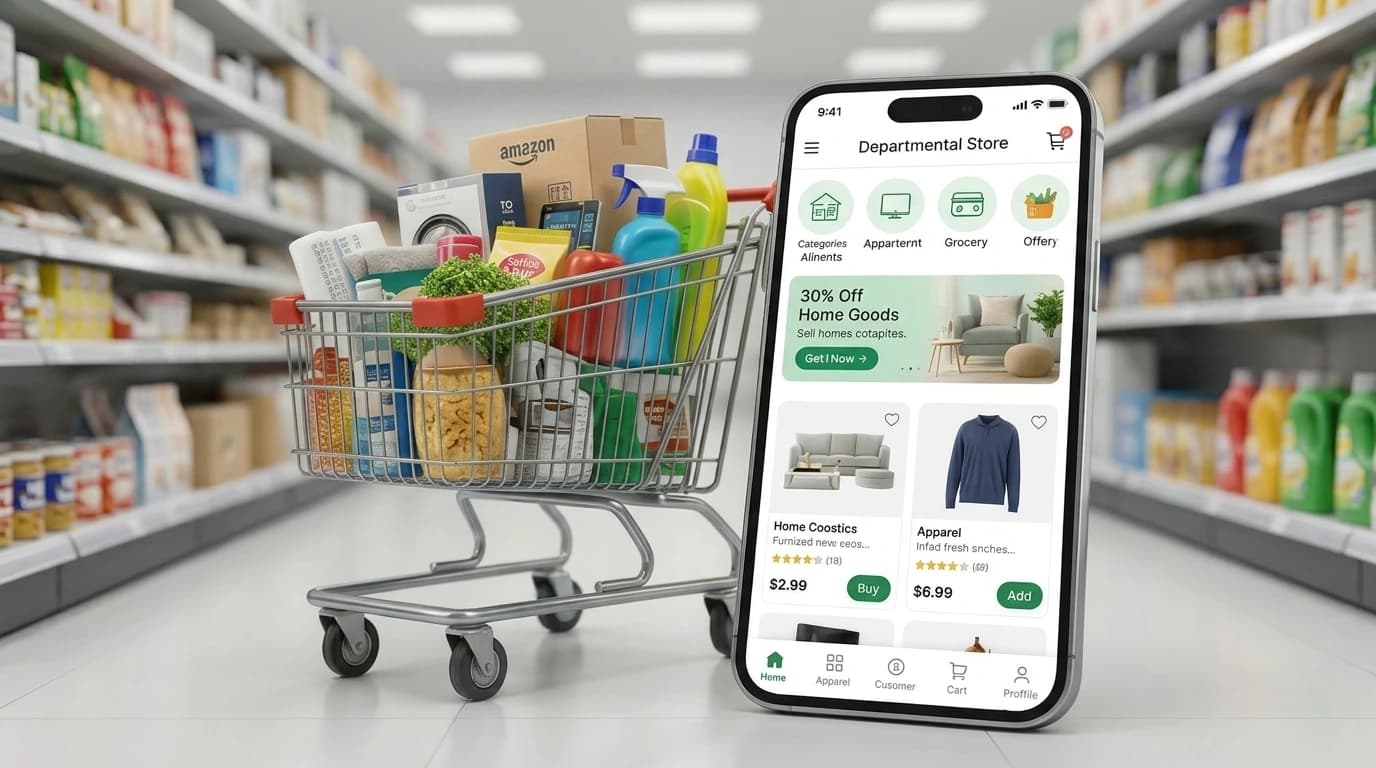
Why Departmental Store Online Owners Need an Online Store
A departmental store carries a wide range across many departments, and customers increasingly expect to shop that range online. LALA MyStore lets you create an online departmental store with department-wise categories, product photos and live stock status.
Create categories that match your store layout — groceries, fresh produce, dairy, snacks, personal care, home care, stationery and more. Add products with prices and photos, and upload large lists from a spreadsheet.
Your staff get a clear pick list for every order, and you see which departments and products sell best online. Accept UPI, cards or cash on delivery, and offer delivery or pickup.
Share your online store link at the billing counter, on receipts and through WhatsApp and social media. Customers can browse your departments and place orders from their phones.
LALA MyStore helps you create your online departmental store, manage a large catalogue and grow your sales online. Start with your main departments and expand as you go.
The problem
Thousands of products across departments are hard to put online.
The fix
Import products in bulk and arrange them in a category tree that mirrors your store layout.
The problem
Customers leave for delivery apps that charge commission.
The fix
Run your own online store under your brand, with direct customer relationships.
The problem
You can't tell which online offers work.
The fix
Sales analytics show top products and departments so you can repeat what works.
Features for Departmental Store Online Owners
Department category tree
Create departments with sub-categories that match your store layout.
Bulk catalogue import
Load thousands of products at once from Excel.
Learn more about bulk catalogue importStock tracking
Keep stock counts so customers don't order items that are off the shelf.
Sales analytics
Track revenue, best sellers and order trends by department.
Learn more about sales analyticsGST invoicing
Automatic GST invoices for every order with LALA Invoice.
Learn more about gst invoicingDelivery & pickup
Offer home delivery or store pickup based on your service area.
Learn more about delivery & pickupManage Departmental Store Products and Categories
Import products in bulk with product codes and HSN codes, arrange them in departments and sub-categories, and update prices across the range from a spreadsheet. Stock counts on each product stop customers ordering items that are off the shelf.
- Bulk upload from Excel
- Categories and sub-categories
- Stock tracking per product
- MRP and offer price
- Product specifications
- HSN code and GST rate
- Units like kg, litre, piece or metre
- Active, draft and archived status
What departmental stores list when creating an online store
- Fresh fruits & vegetables
- Rice, atta & dals
- Cooking oil & ghee
- Spices & masalas
- Dairy, eggs & bakery
- Frozen & ready-to-eat
- Snacks & biscuits
- Tea, coffee & beverages
- Packaged & instant foods
- Cleaning & household
- Personal care & beauty
- Baby care
- Stationery & office supplies
- Kitchen essentials
- Home care products
Reach More Customers Online
Your walk-in shoppers already trust your departmental store. An online store lets them shop between visits and brings in households across your delivery area who currently order from apps.
- Promote your online store at the billing counter and on receipts
- Share weekly offers with a direct link to discounted products
- Use your own domain so customers remember your store's web address
Your own store link
Every store gets its own web address to share anywhere.
Store QR code
Customers scan at your counter, on bills or on posters to open your store.
WhatsApp & social media
Share products and offers on WhatsApp, Instagram and Facebook.
Google search & custom domain
Set your store's SEO details and use your own domain name.
How to Create Your Departmental Store Online with LALA MyStore
Step 1
Sign up and name your store
Create your free LALA MyStore account and add your departmental store online's name, logo, address and contact details.
Step 2
Choose a store template
Pick a design that suits your departmental store online and add your banner and cover photos.
Step 3
Add your products
Upload your departmental store products from Excel or add them one by one, with prices, stock, photos and categories.
Step 4
Set up payments and delivery
Turn on UPI, card and cash on delivery, add your GST details and decide where you deliver.
Step 5
Share and start selling
Share your store link and QR code on WhatsApp, Instagram and at your counter, and manage orders from your dashboard.
Everything You Need to Know About Selling Online
Learn how to create an online departmental store with department-wise categories, photos and live stock updates. This departmental store website builder suits multi-department retail, so you can run a departmental store online in India and give customers the same wide range they find in your physical aisles.
Create categories for groceries, fresh produce, dairy, personal care, home care and stationery so shoppers can navigate easily. Import thousands of products from Excel with product and HSN codes and update prices in bulk whenever they change, keeping your catalogue accurate without hours of manual work.
Staff get a clear pick list for every order so packing is fast and error-free, and sales analytics show top departments and trends. Accept UPI, cards and cash on delivery for flexible payments and offer delivery or pickup so customers can shop the way they prefer and your team can plan the day.
Promote your store at the billing counter and on receipts to turn walk-in shoppers into online regulars, and use your own domain for a professional presence. A dedicated online departmental store helps you serve regular customers and brings in households who currently order from big apps and pay commission-heavy prices.
Track department-wise sales and repeat customers from one dashboard so you know which sections perform best and where to focus offers. As order volumes grow, the store keeps products, orders and customer details organised, making daily operations easier to manage across every department.
Frequently Asked Questions
How do I create an online departmental store?
Choose a template, add your products across departments, organise them into categories and share your store link. No coding is required.
Can the store handle a large catalogue?
Yes. You can upload products in bulk from a spreadsheet and organise them in departments and sub-categories.
Will I pay commission on each online order?
LALA MyStore is your own online store, not a marketplace. Check the pricing page for details about available plans and charges.
Can customers pay cash on delivery?
Customers can choose from the payment methods enabled for your store, including cash on delivery where available.
Can I use my own domain?
Yes. You can connect a custom domain so customers visit your store using your own web address.
Can I see which departments sell best?
Yes. Sales analytics show best-selling products and order trends so you can plan stock and offers.
Can I generate GST invoices?
Yes. LALA Invoice supports GST invoicing. Configure your business details and product tax information correctly.
Do customers need to install an app?
No. Customers open your store link in their browser and place their order.
Solutions for other businesses
Online store for supermarkets
Create your own online supermarket with LALA MyStore. List products across every department, take home delivery orders and grow your sales online.
Online store for online grocery stores
Create an online grocery store with LALA MyStore. List your grocery products, take orders from regular customers, accept UPI and deliver or offer pickup nearby.
Online store for retail commerce platforms
Build your retail commerce platform with LALA MyStore. Create an online store for your retail business, manage products, orders and billing — no coding needed.
Ready to take your departmental store online online?
Build your branded online store, accept payments and send GST invoices — all from one dashboard.