Create Your Online Apparel Store with LALA MyStore
Show every shirt, kurta, dress and accessory with photos, sizes and prices. Share new arrivals on WhatsApp and Instagram, and let customers order the right size without visiting.

- No coding needed
- UPI, card & COD
- GST invoices
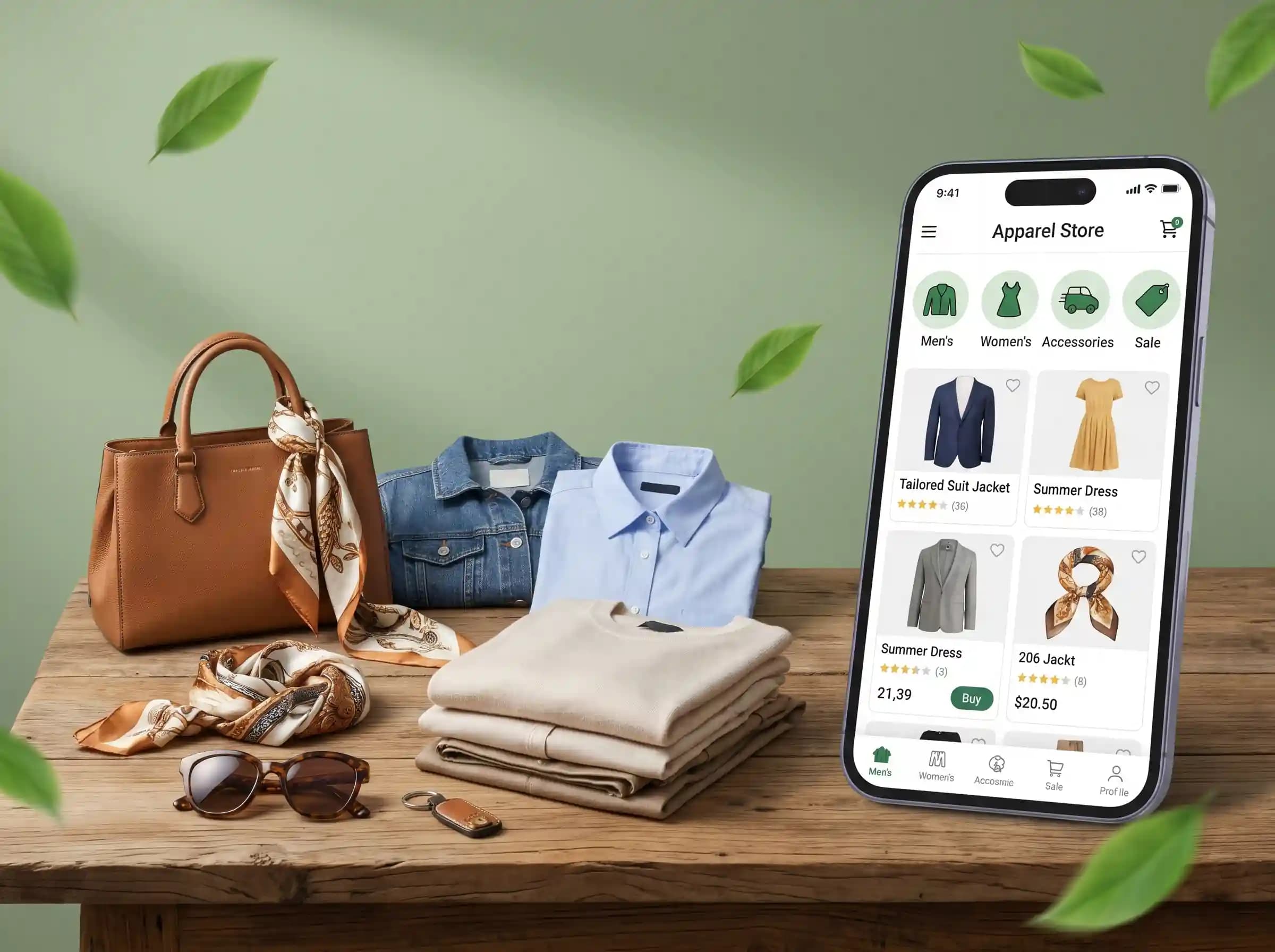
Why Apparel Store Online Owners Need an Online Store
Clothing sells on looks, and customers want to see the item, the fabric and the size chart before they buy. LALA MyStore helps you create an online apparel store with large product photos, size and colour details and attractive store templates.
Every new collection can go live the same day it arrives in the shop. Share the link in your customer groups and social media, and take orders from customers in your town and beyond.
Showcase clothing for men, women and children in organised categories. Include product photos, fabric details, available sizes and colours to help customers choose clothing that suits their needs.
Keep your online catalogue up to date by adding new arrivals, updating prices and marking unavailable items.
LALA MyStore helps you create your online apparel store, manage products and orders and grow your business online. Whether you run a boutique, a garment shop or a fashion label, your online store makes your collection accessible to more customers.
The problem
Customers keep asking 'is this available in my size?' on WhatsApp.
The fix
Add the sizes, colours and fabric to each product's details and keep stock updated.
The problem
New arrivals sell slowly because few people see them.
The fix
Publish new stock instantly and share a single store link across WhatsApp, Instagram and Facebook.
The problem
End-of-season stock blocks your money.
The fix
Run discounts and offers on older collections to clear stock before the next season.
Features for Apparel Store Online Owners
Fashion store templates
Choose a boutique-style theme that shows off your collections.
Learn more about fashion store templatesSize, fabric & fit details
Add size range, colour, fabric and fit to each product's specifications.
Social sharing
Share products and collections on WhatsApp, Instagram and Facebook.
Learn more about social sharingSale & festival offers
Create discounts for festivals, wedding season and clearance sales.
Learn more about sale & festival offersShipping across India
Ship orders to customers in other cities and track their status.
Learn more about shipping across indiaManage Apparel Products and Categories
Organise your clothing by men, women and kids, then by type. Add the size range, fabric and fit to each product's specifications, set MRP and offer price for sales, and move last season's stock to draft or archive when it's gone.
- Bulk upload from Excel
- Categories and sub-categories
- Stock tracking per product
- MRP and offer price
- Product specifications
- HSN code and GST rate
- Units like kg, litre, piece or metre
- Active, draft and archived status
What apparel stores list when creating an online store
- Men's shirts & trousers
- Women's kurtis & tops
- Sarees & ethnic wear
- Kids' clothing
- Western wear
- Jeans & casual wear
- Innerwear & nightwear
- Winter wear
- School uniforms
- Party & festive wear
- Wedding collections
- Sportswear & activewear
- Traditional clothing
- Dupattas & scarves
- Clothing accessories
Reach More Customers Online
Clothing customers discover new styles on their phones. When your collection is online, every post, story and WhatsApp status can lead straight to a product they can order.
- Add your store link to your Instagram bio and Facebook page
- Post new arrivals as a WhatsApp status with a link to each product
- Ship to old customers who have moved to other cities but still love your shop
Your own store link
Every store gets its own web address to share anywhere.
Store QR code
Customers scan at your counter, on bills or on posters to open your store.
WhatsApp & social media
Share products and offers on WhatsApp, Instagram and Facebook.
Google search & custom domain
Set your store's SEO details and use your own domain name.
How to Create Your Apparel Store Online with LALA MyStore
Step 1
Sign up and name your store
Create your free LALA MyStore account and add your apparel store online's name, logo, address and contact details.
Step 2
Choose a store template
Pick a design that suits your apparel store online and add your banner and cover photos.
Step 3
Add your products
Upload your apparel products from Excel or add them one by one, with prices, stock, photos and categories.
Step 4
Set up payments and delivery
Turn on UPI, card and cash on delivery, add your GST details and decide where you deliver.
Step 5
Share and start selling
Share your store link and QR code on WhatsApp, Instagram and at your counter, and manage orders from your dashboard.
Everything You Need to Know About Selling Online
Learn how to create an apparel store online with LALA MyStore, even if you have never built a website before. This clothing website builder shows collections with photos, sizes and prices, so you can sell clothes online in India without a developer or any coding knowledge.
Organise men, women and kids clothing into clear collections, add size, colour and fabric details to every listing and publish new arrivals the day they arrive in store. Show MRP with offer prices side by side so customers clearly see the value they are getting and can decide without asking on chat.
Share your link on WhatsApp, Instagram and Facebook to reach shoppers beyond your neighbourhood, run festival and clearance offers to boost seasonal sales and ship across India with tracked delivery. This helps you reach buyers in other cities who love your style and might never visit your shop.
Publish your exchange policy clearly so customers can order with confidence and issue GST invoices for every order. A dedicated online apparel store makes your collection accessible at any time and helps customers order the right size without visiting your shop or waiting for a reply.
Track best-selling styles and repeat customers from one dashboard so you know which designs to restock and promote. As your store grows, it keeps products, orders and customer details organised, helping you build a loyal base of returning shoppers.
Frequently Asked Questions
How do I create an online apparel store?
Choose a template, add your products with photos, sizes and prices, organise them into categories and share your store link. No coding is required.
Can I show sizes and colours for my clothes?
Yes. Add sizes, colours and fabric in the product specifications.
Can I sell clothes on Instagram?
Yes. Add your store link to your Instagram bio and share product links in posts and stories.
Can I ship clothes to customers in other states?
Yes. You can accept orders from customers across India and manage shipping and delivery status.
Can I offer discounts on older collections?
Yes. Use available discount features to promote seasonal collections, festival offers and clearance sales.
How do I handle exchanges for wrong sizes?
You can establish your own exchange and return policy and display it on your store.
Can I generate GST invoices?
Yes. LALA Invoice supports GST invoicing. Configure your business details and product tax information correctly.
Do I need coding skills to create an online apparel store?
No. You can use available LALA MyStore templates to set up your storefront, add products, organise categories and share your store link without building a website from scratch.
Solutions for other businesses
Online store for garment stores
Create your own online garment store with LALA MyStore. Showcase clothing collections, share new arrivals on WhatsApp and Instagram and sell across India.
Online store for fashion and ethnic wear stores
Create your own online fashion and ethnic wear store with LALA MyStore. Showcase kurtis, lehengas, sherwanis and festive collections, and take orders from across India.
Online store for fashion store builders
Build your fashion store online with LALA MyStore. Create a stylish fashion website, list your collections, share on social media and take orders — no coding needed.
Ready to take your apparel store online online?
Build your branded online store, accept payments and send GST invoices — all from one dashboard.